Make a card that is only for them
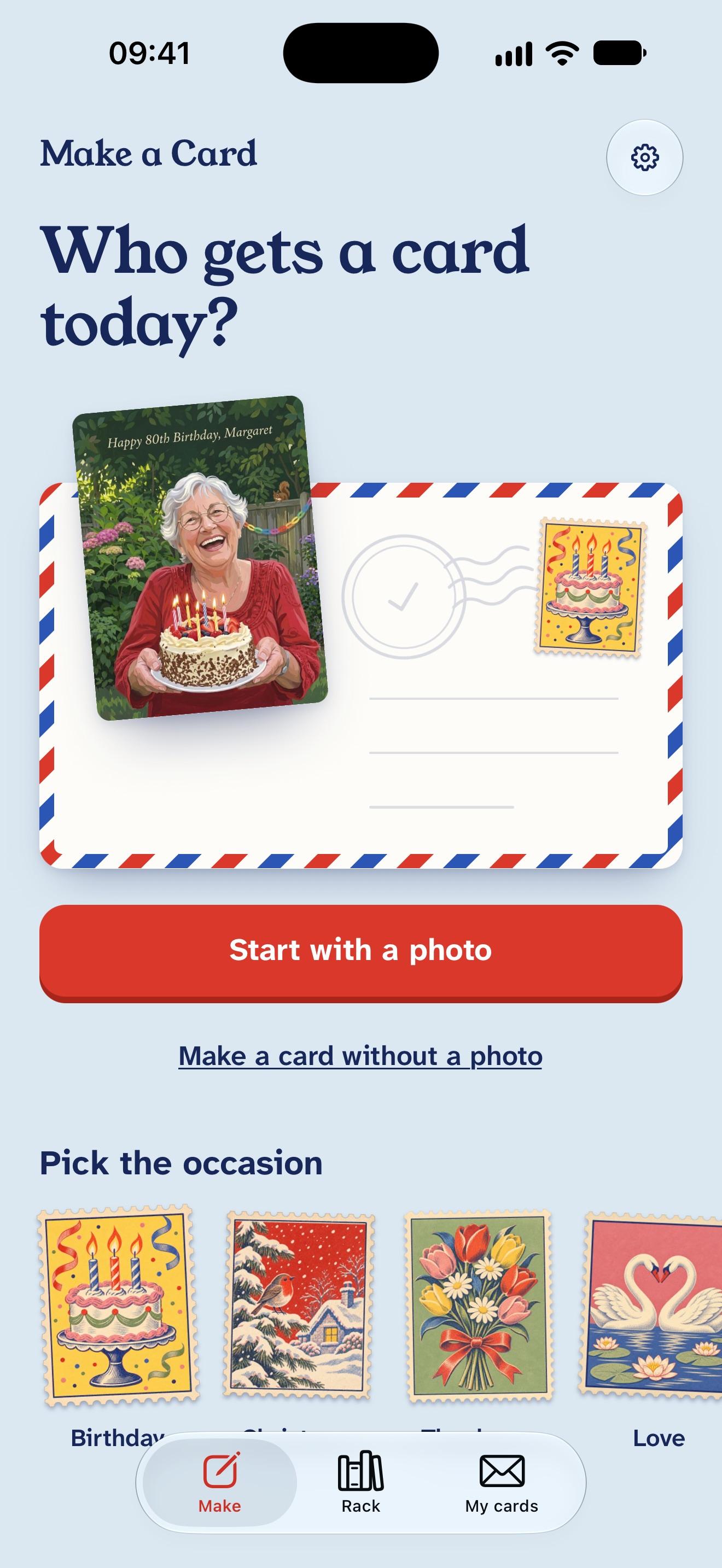
Add a photo and a few words. Make a Card paints the person, puts their name in the picture and writes the message.
Coming to iPhone, iPad and Android. Your first card is free.


A shop card says Happy Birthday.
It does not say Margaret, and it does not show her garden.
An e-card is the same for everyone.
You pick it from a list. So did the last person.
And the day is tomorrow.
No time for the shop, and no idea what to write.
A card in three steps
1Add a photo
One photo of the person. Two people, a pet or a holiday photo work too.
Their name
Margaret
Who are they to you?
My grandmother
One thing about them
Grows hydrangeas, bakes the best cake
2Say who it is for
The occasion, the name and a few words about them. That is all you type.
- Dear Margaret,
Eighty years, Grandma, and you still make everything around you grow, from your hydrangeas to the people who love you.3Send it or print it
The front is painted and the message is written. Change any word, then send.
One photo, thirteen looks
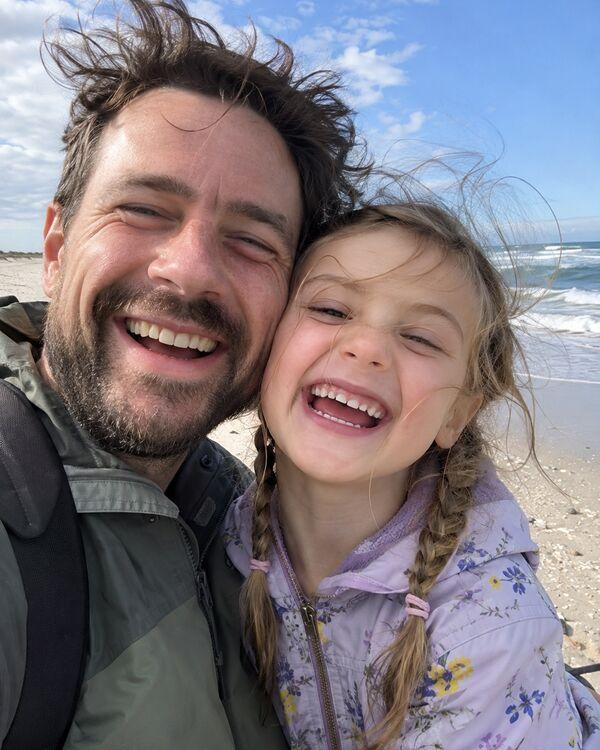
Every card here was made by the app from the photo at the top of this page.

Painted scene
Watercolour

Folk painting

Storybook

Portrait

Flowers

Ink drawing

Picture book

Sketch

Dark flowers

Cartoon

Photo in flowers

Instant photo
Two people, a dog, a dark restaurant
Three more photos, and what the app made from each.
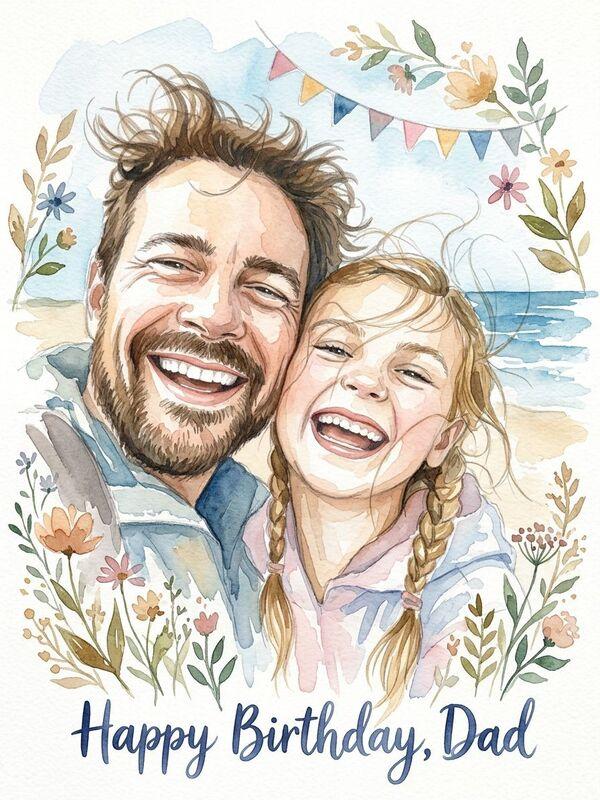
Watercolour
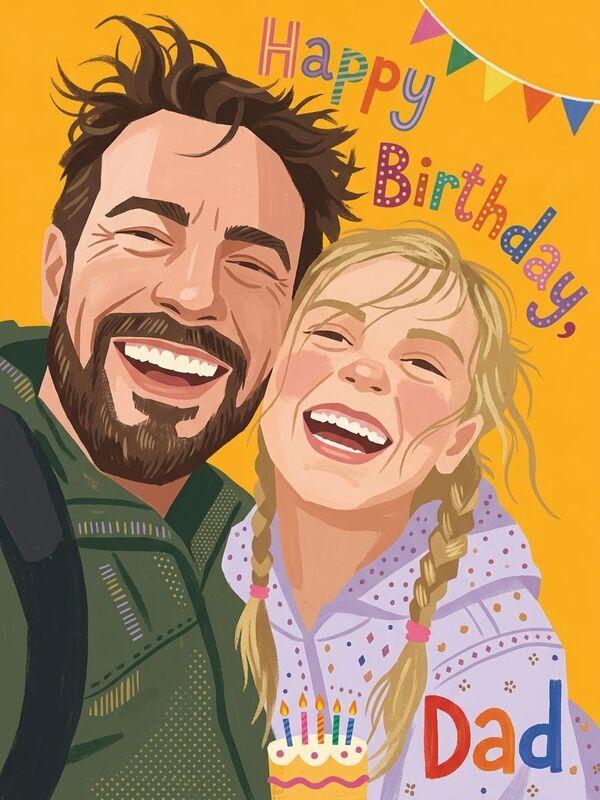
Picture book
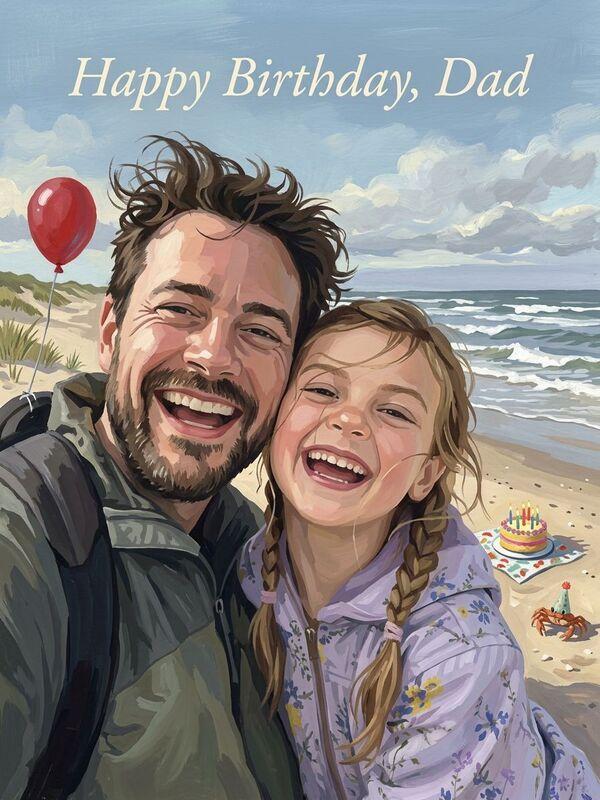
Painted scene

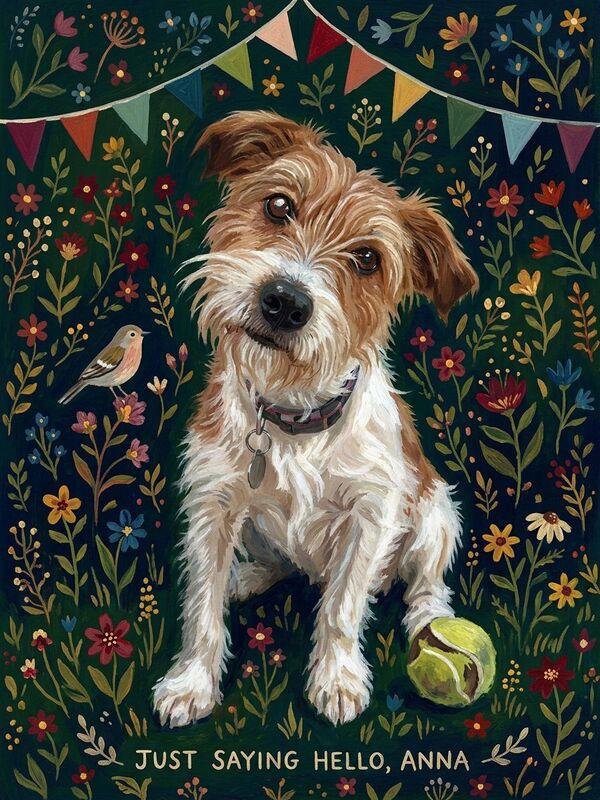
Folk painting
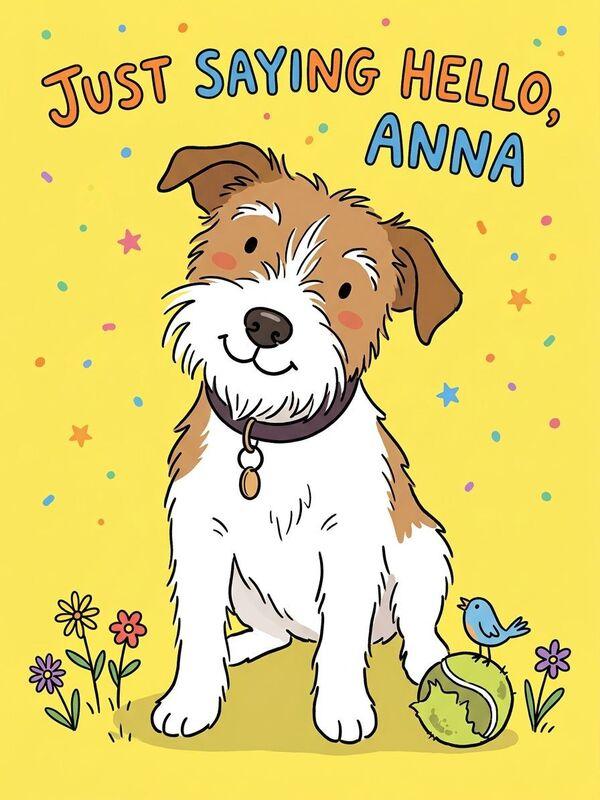
Cartoon
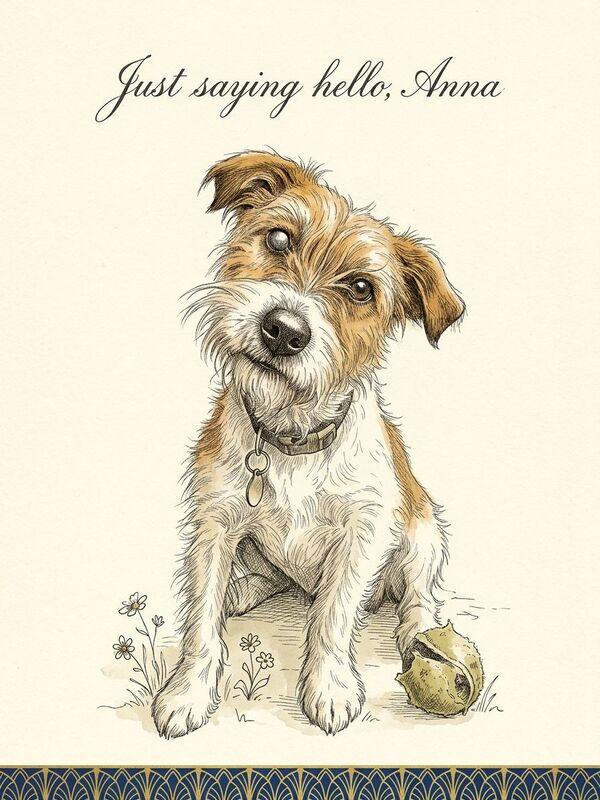
Ink drawing


Storybook

Flowers
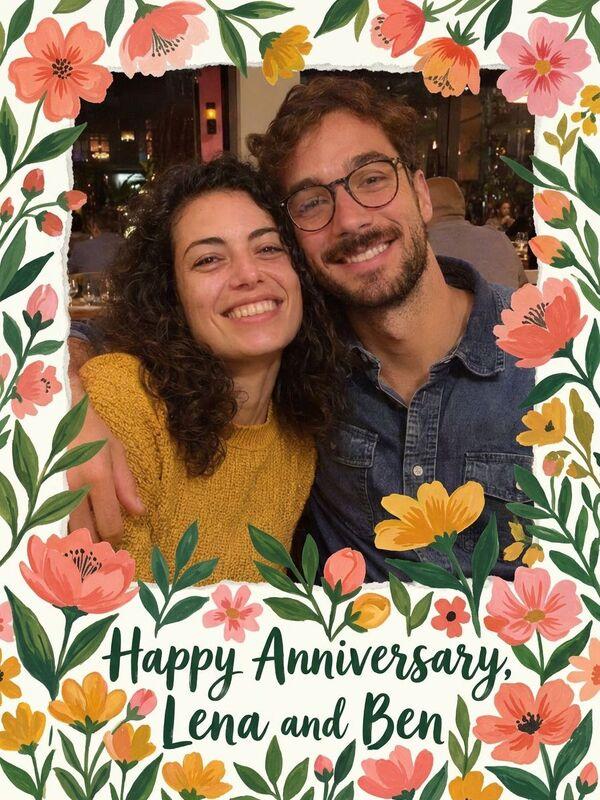
Photo in flowers
This is what they get
A link. They tap it, the letter opens and the card comes out. No app and no account. Open this one.
A link, a picture, or paper
Send a link
It opens in any browser. The app shows you when the card was opened.
Save the picture
Put the card front into any chat, mail or post.
Print it
A PDF for a folded card or a flat card. Print it at home or in a print shop.
A shop card, an e-card, or this
- Their name and face on it
- Shop cardNoE-card siteNoMake a CardYes
- A message about them
- Shop cardYou write itE-card siteA stock verseMake a CardWritten for you, and you can edit it
- Ready today
- Shop cardA trip to the shopE-card siteYesMake a CardYes
- On paper
- Shop cardYesE-card siteNoMake a CardPrint at home, or a PDF for a print shop
- The other person needs an app
- Shop cardNoE-card siteAn account, oftenMake a CardNo. A link opens it.
For every occasion
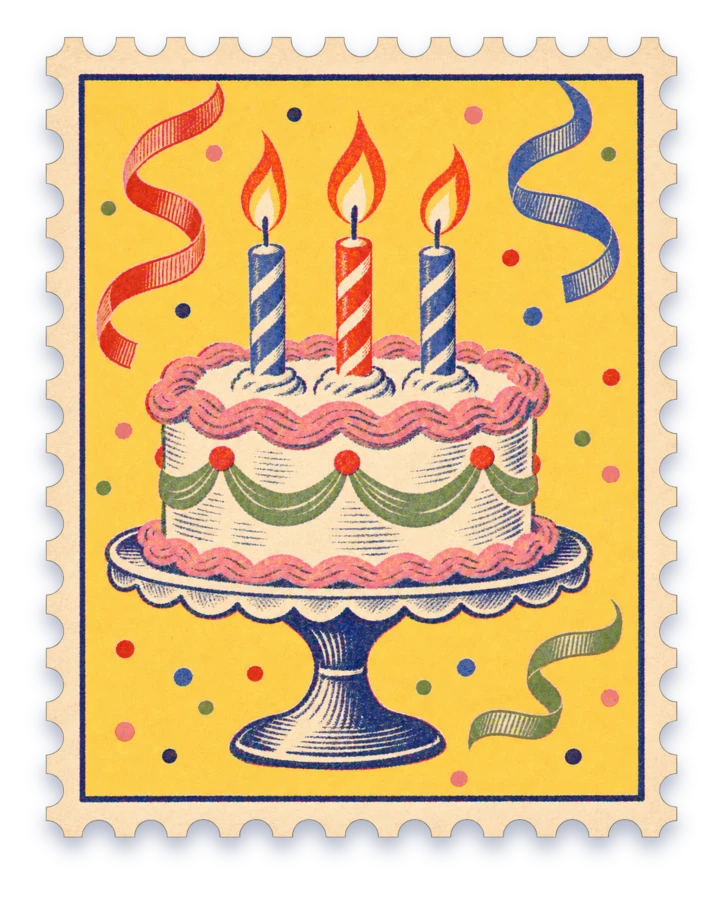 Birthday
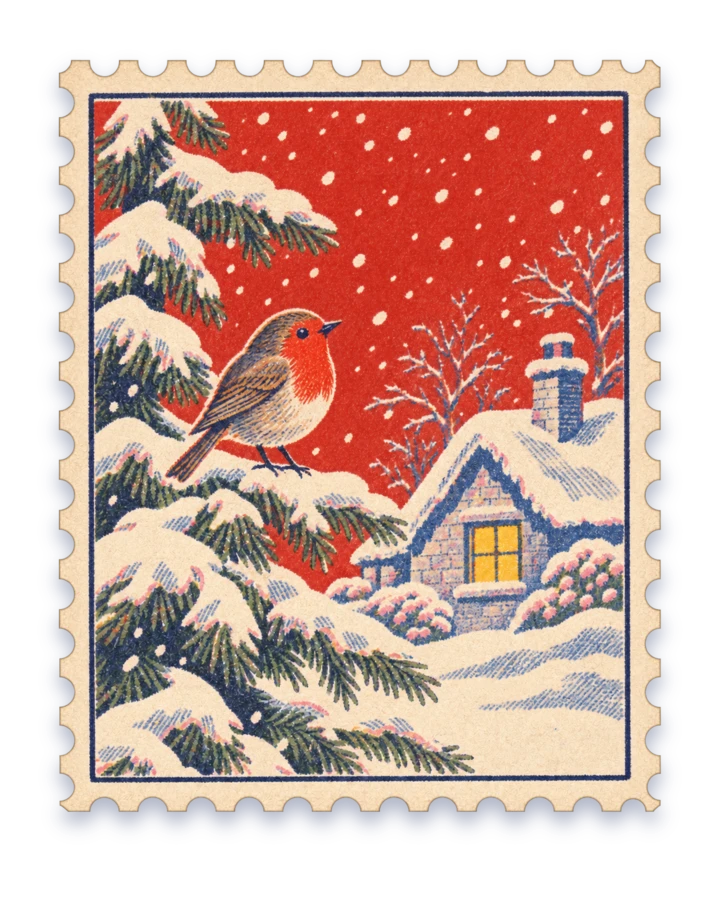 Christmas
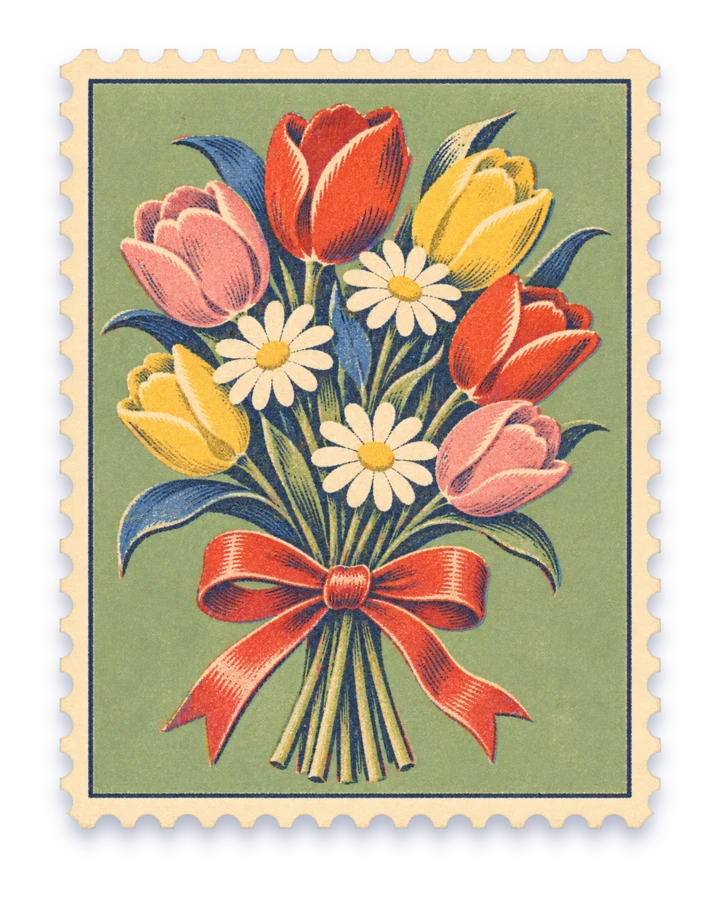 Thank you
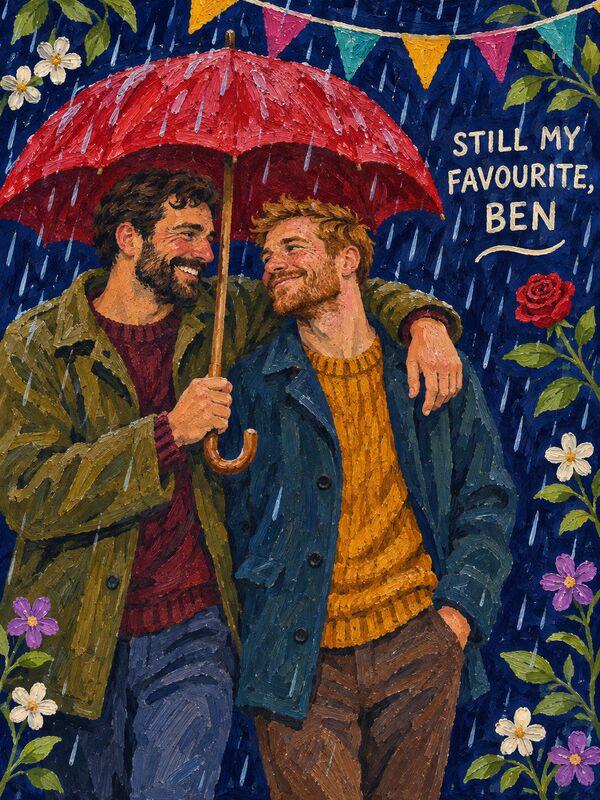
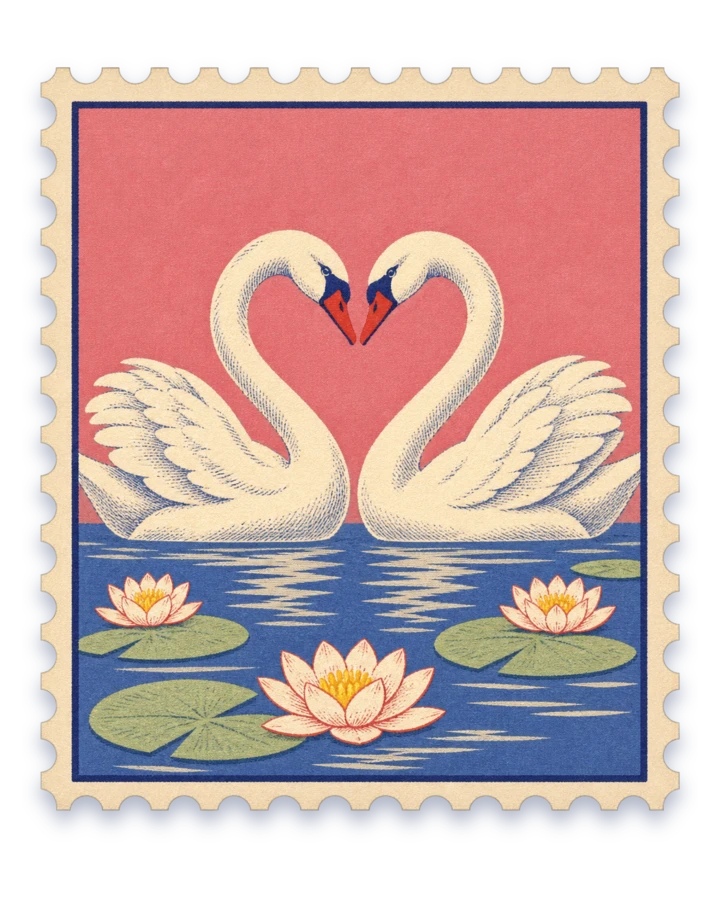 Love
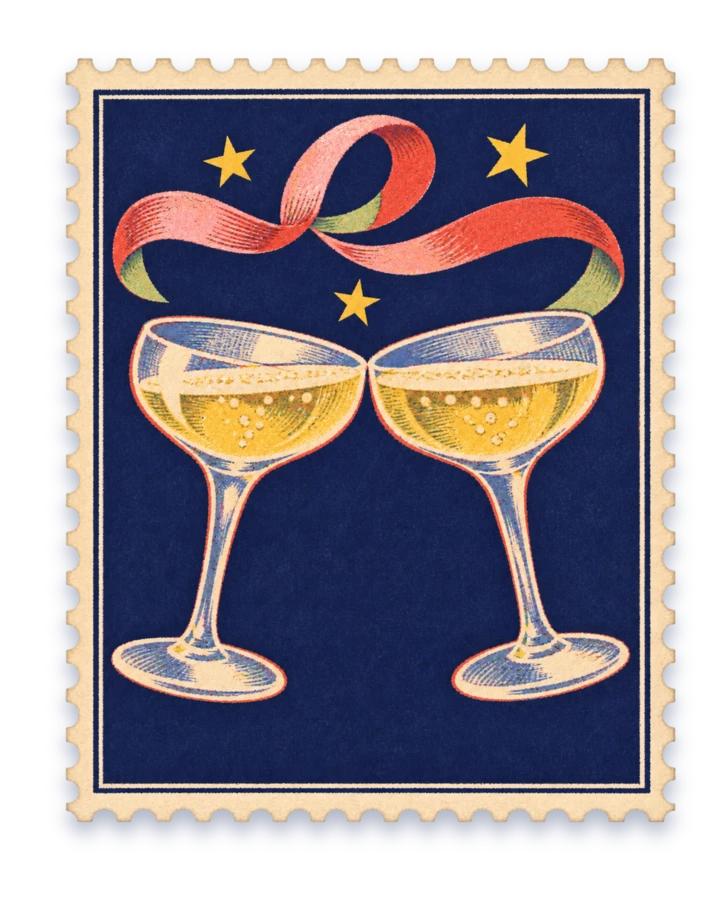 Anniversary
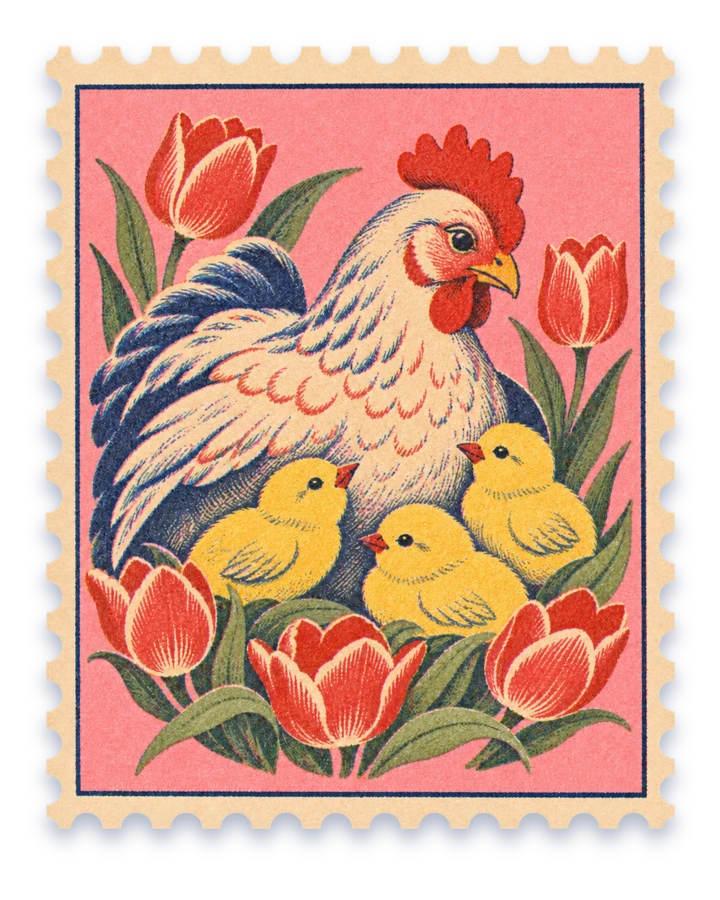 Mother's Day
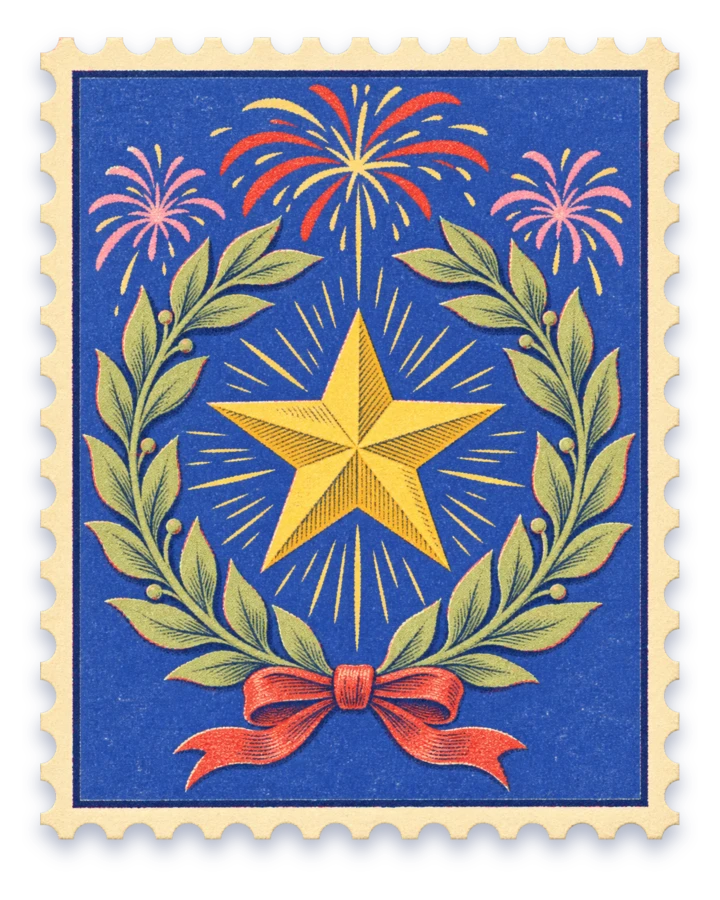 Congrats
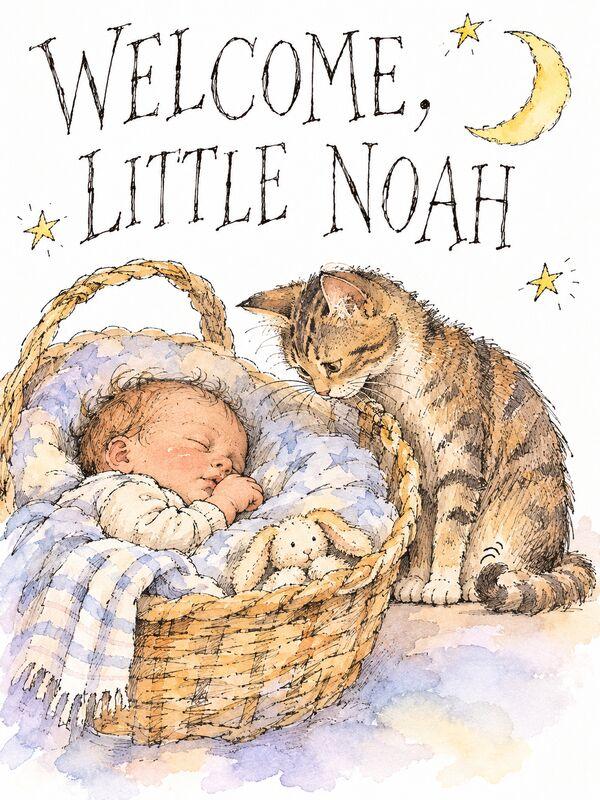
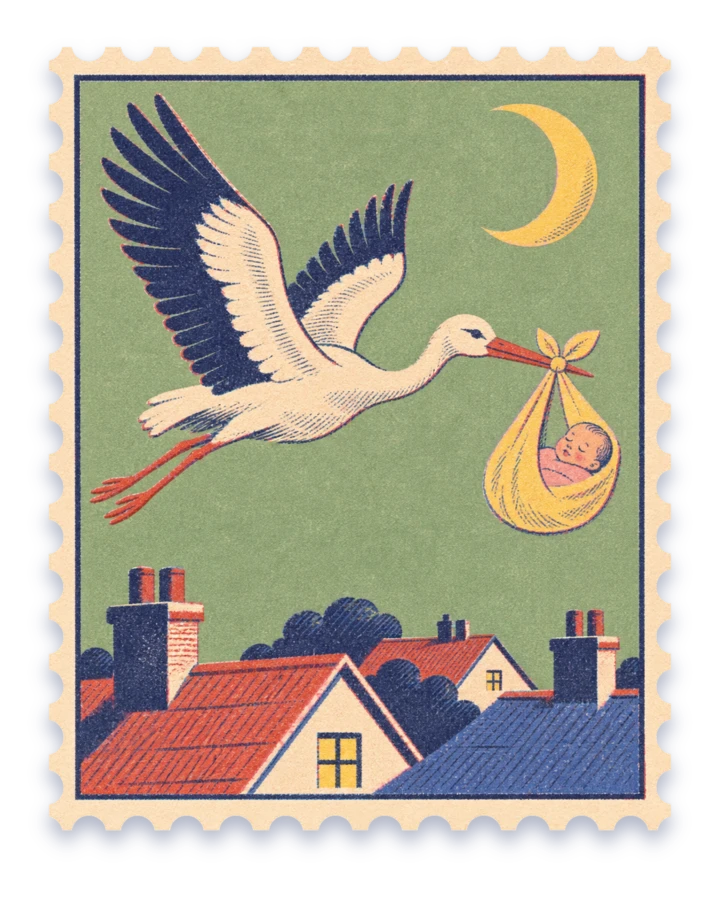 New baby
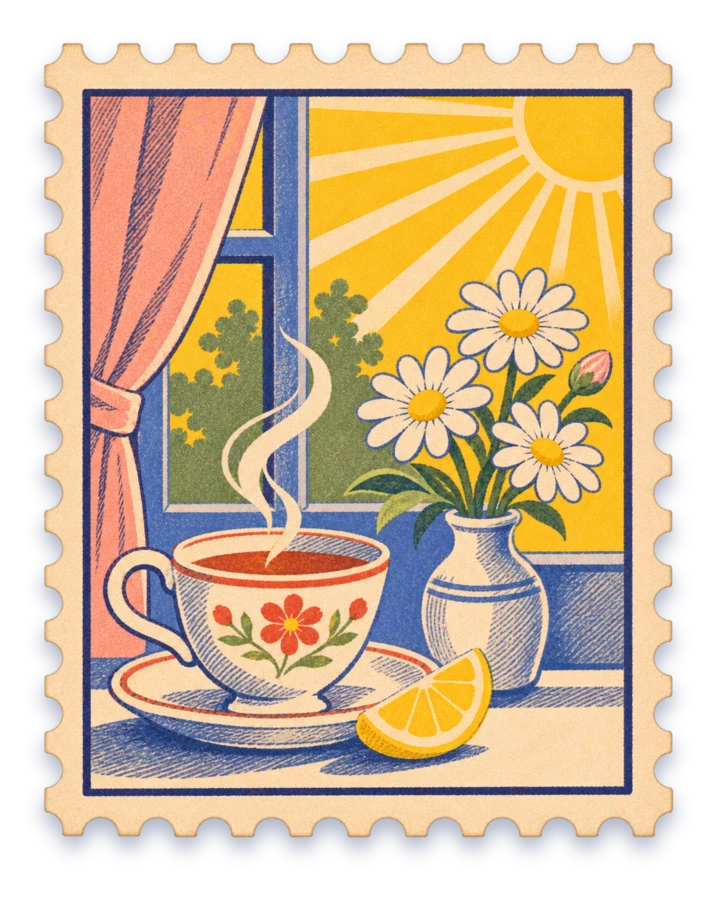 Get well
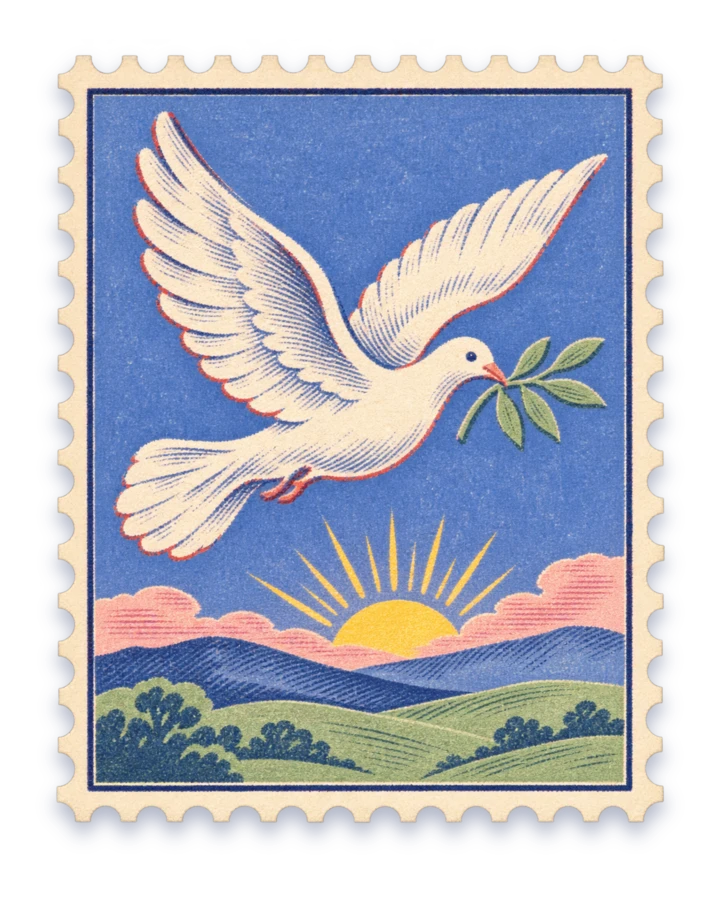 Sympathy
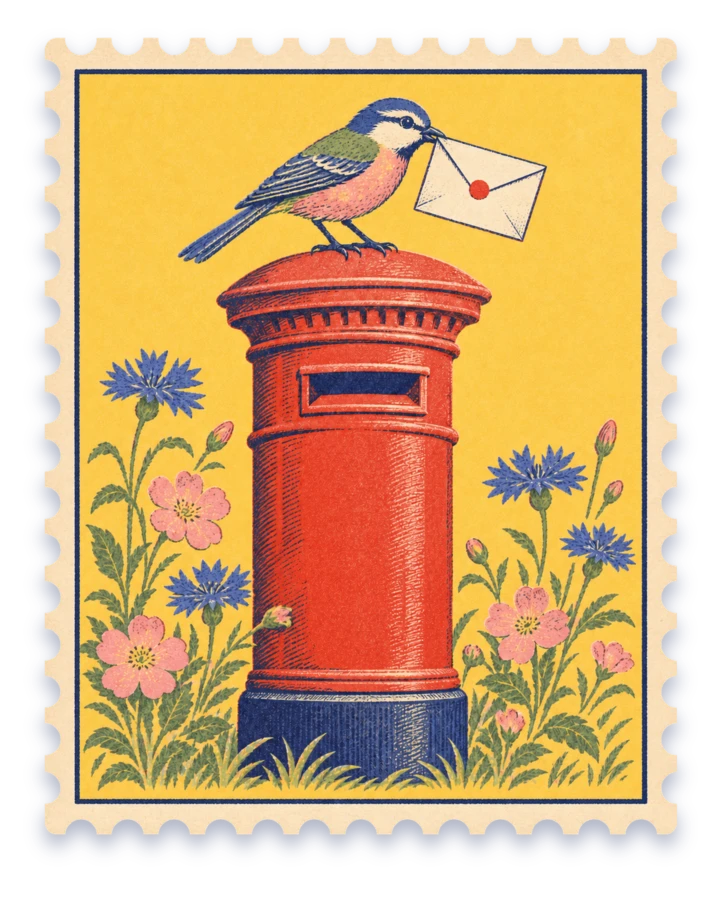 Just because
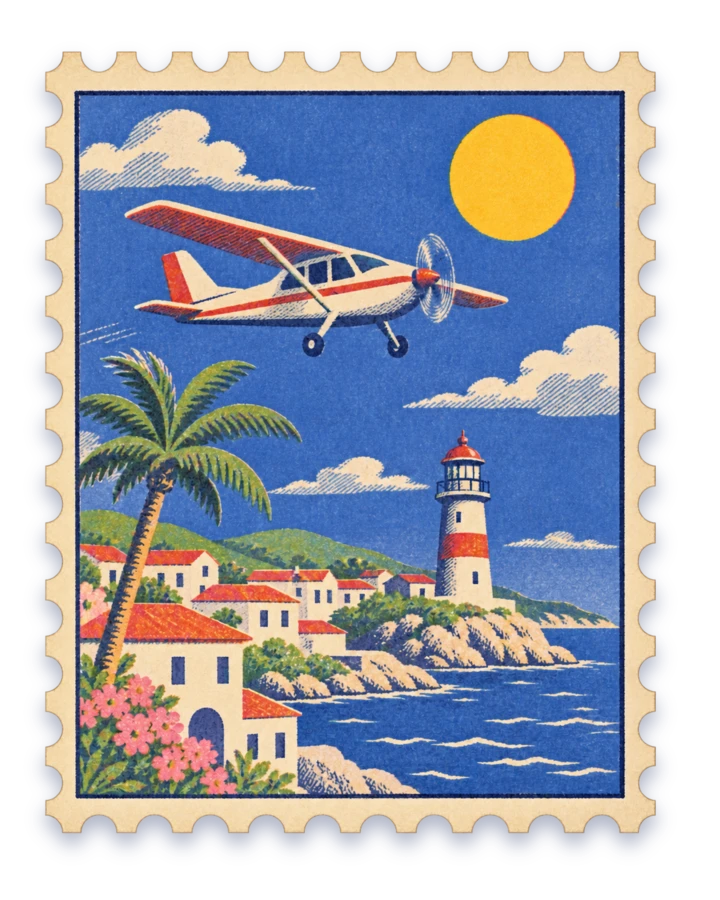 Postcard















Your photo is used for your card only
No account
The app asks for no mail address and no password.
Deleted within two days
Our copy of your photo and of the new card front is deleted within two days.
No AI training
We do not use your photos to train AI. The services that make the card may not do so either.
Your cards stay with you
Cards are kept on your phone. A card that you send as a link stays online until you delete it.
Questions
What does Make a Card cost?
Your first card is free. It carries a small "Made with makeacard.app" mark. After that you need a plan, weekly or yearly. A plan gives you 15 new cards every week and no mark. On the yearly plan, after 300 cards in one plan year, the plan gives 3 cards per week until the year ends. The app shows the prices in your currency before you buy.
Does the person who gets the card need the app?
No. A card link opens in any browser, on a phone or on a computer. There is nothing to install and nothing to sign up for.
Can I make a card without a photo?
Yes. Without a photo, the app paints a picture for the occasion and letters the name into it.
Can I change the words?
Yes. The app writes a first version of the message from the few words that you give. You can edit every word before you send the card.
Can I print the card?
Yes. The app makes a PDF in two layouts: a folded card on one sheet of paper, or a flat card. A postcard prints flat. Print it at home or send the file to a print shop.
What happens to my photo?
Your photo is sent to our server to make the card. Our copy is deleted within two days. We do not use your photos to train AI, and we do not sell personal data. Your cards are kept on your phone. A card that you send as a link stays online until you delete it in the app.
Who gets a card today?
Your first card is free.
Coming to iPhone, iPad and Android.